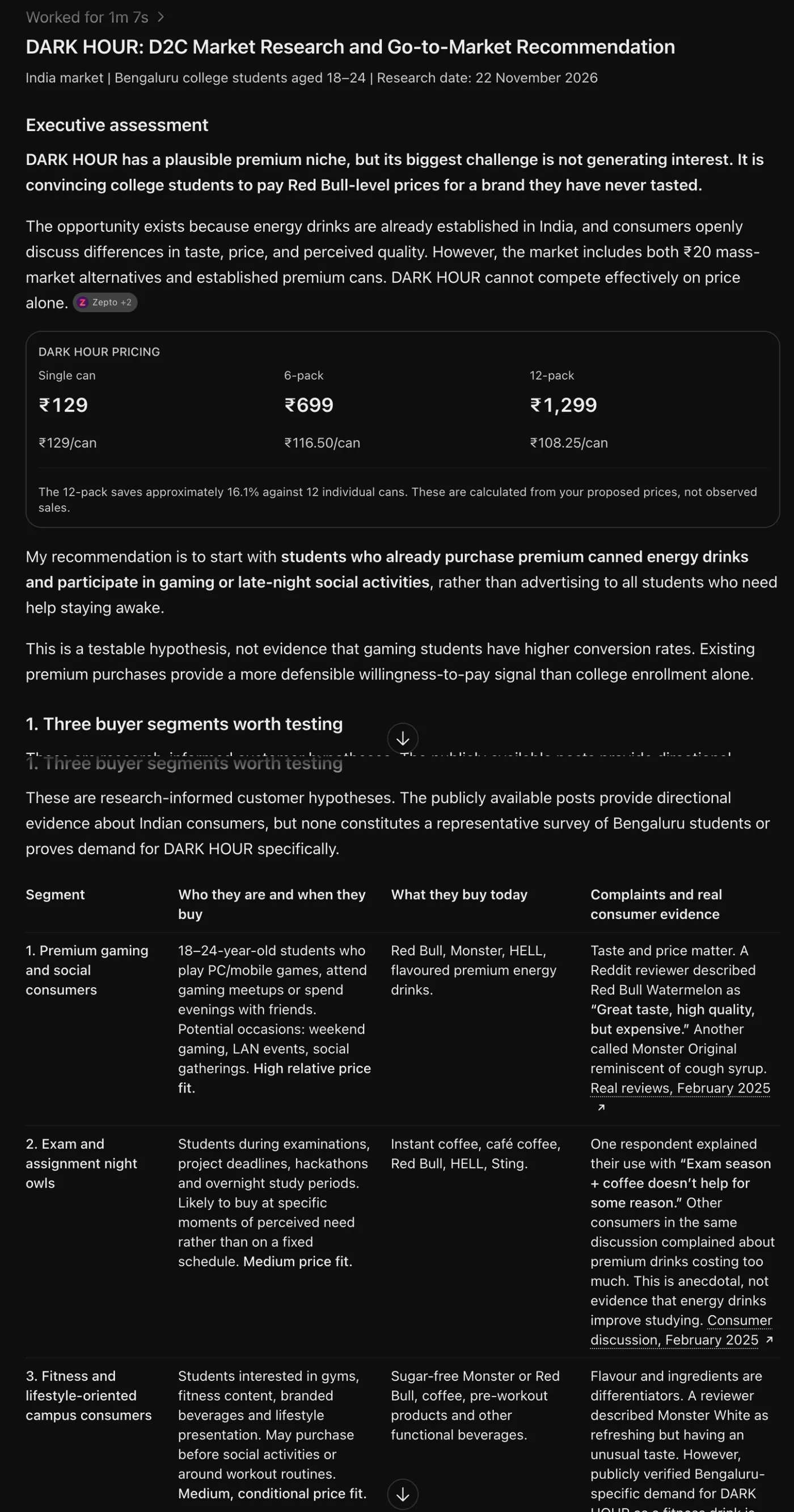
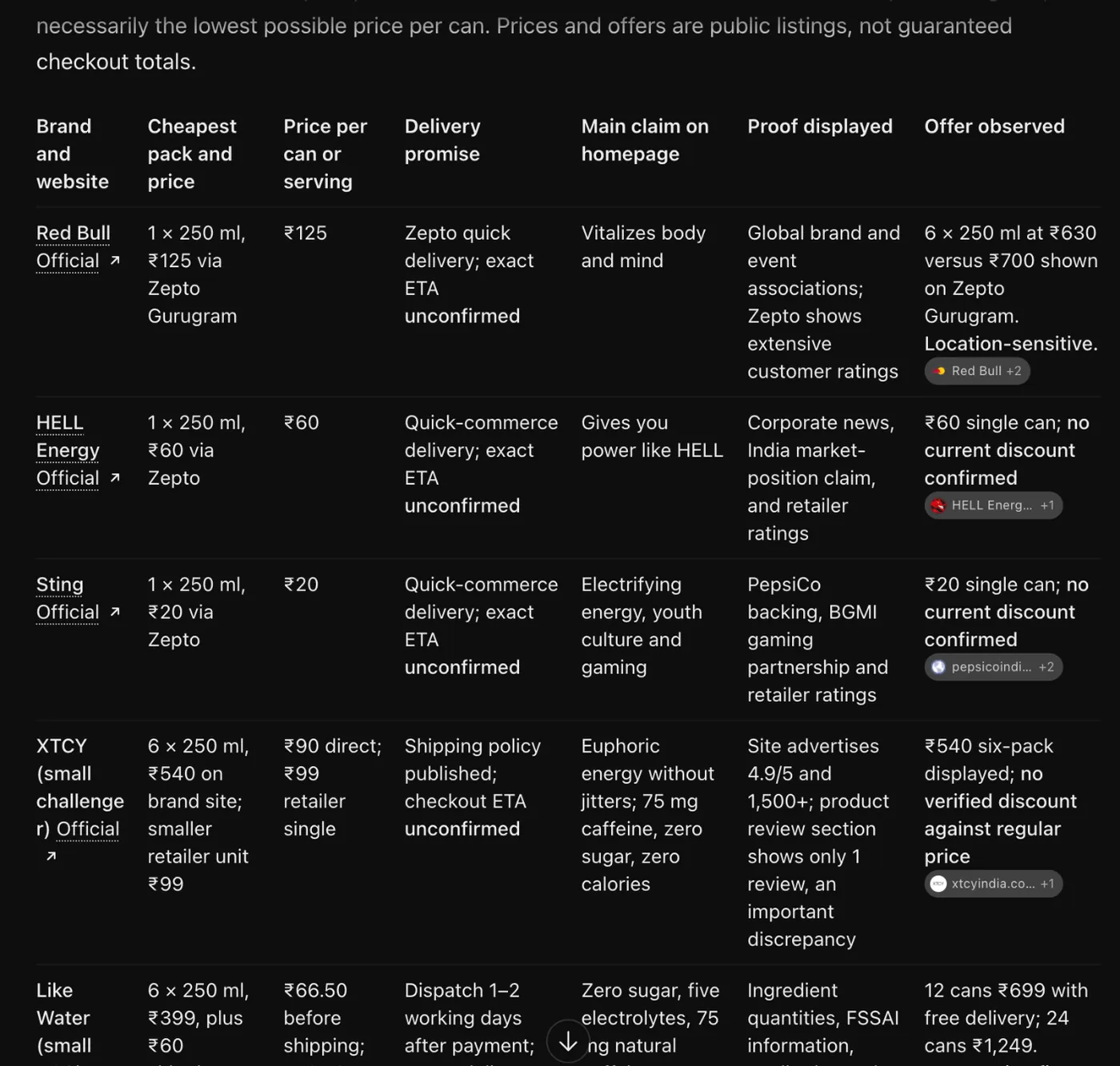
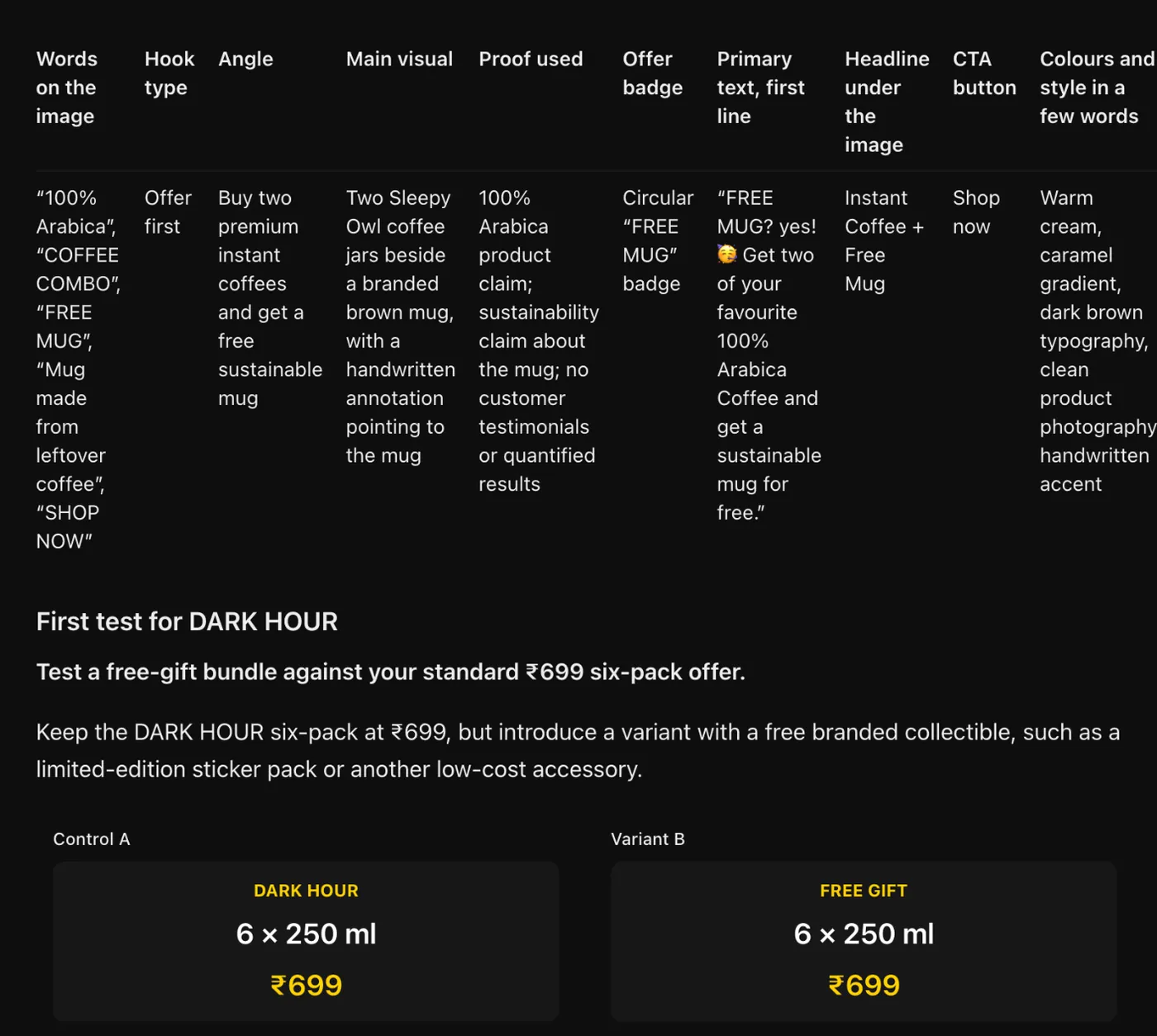
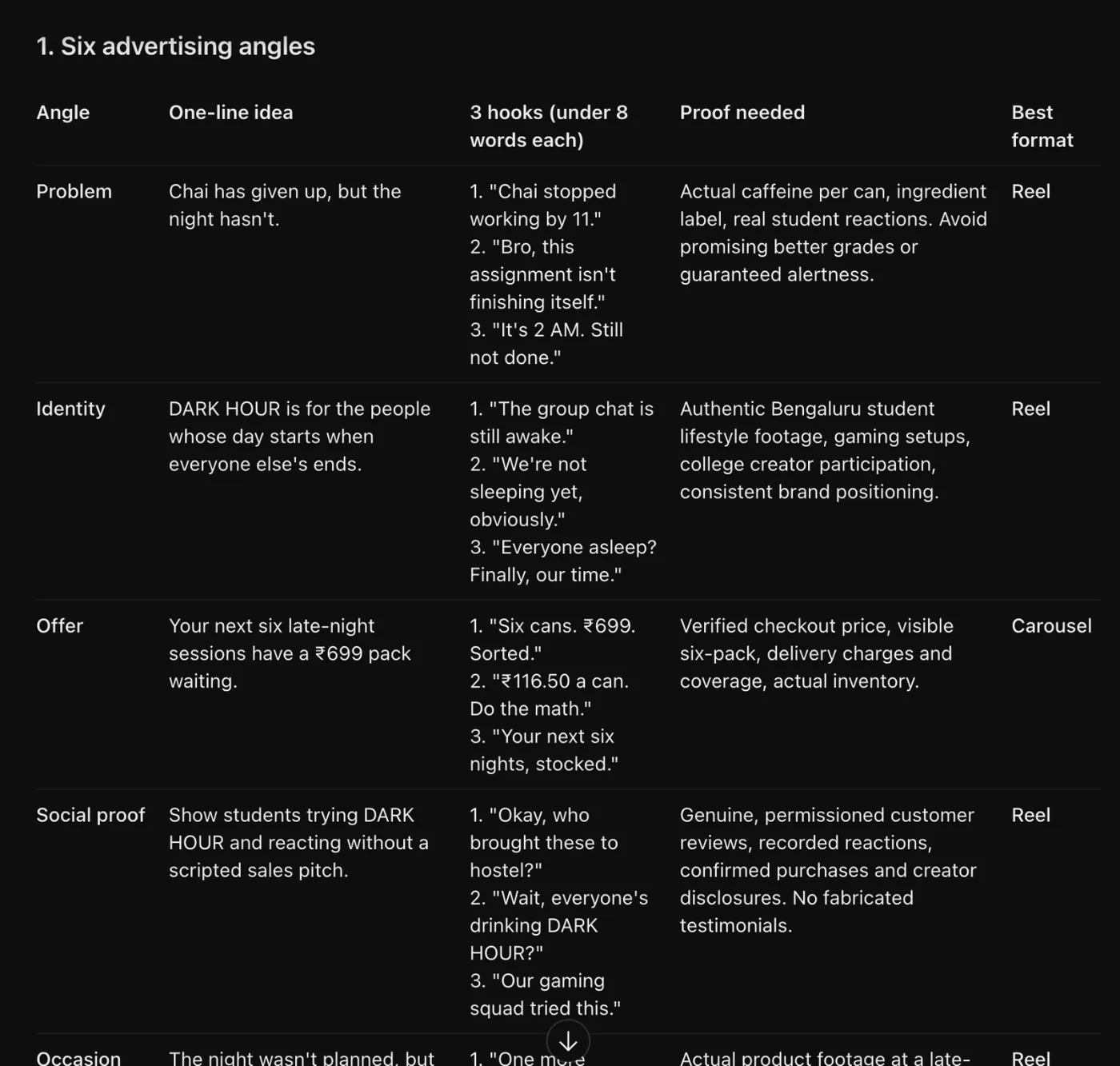
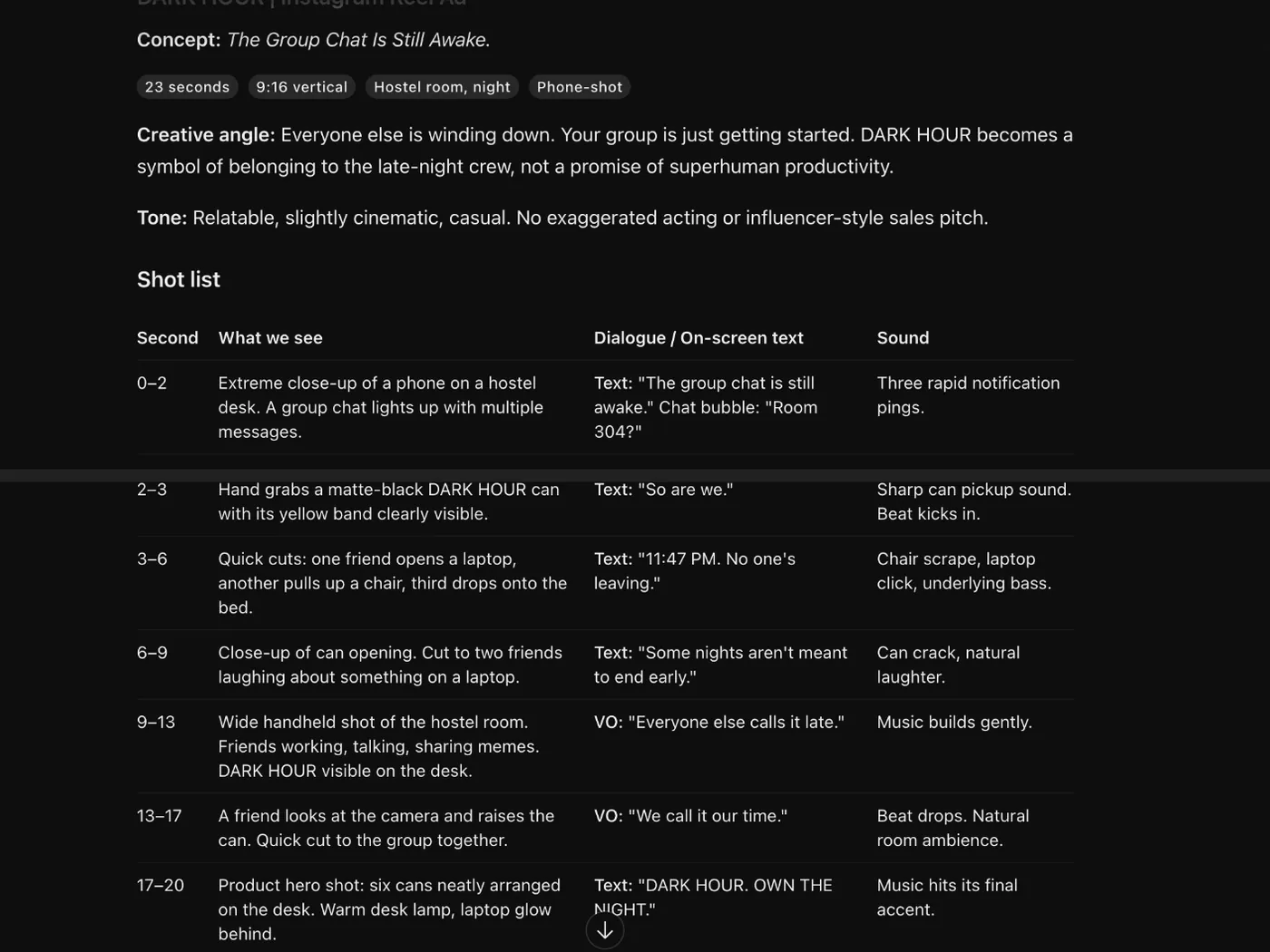
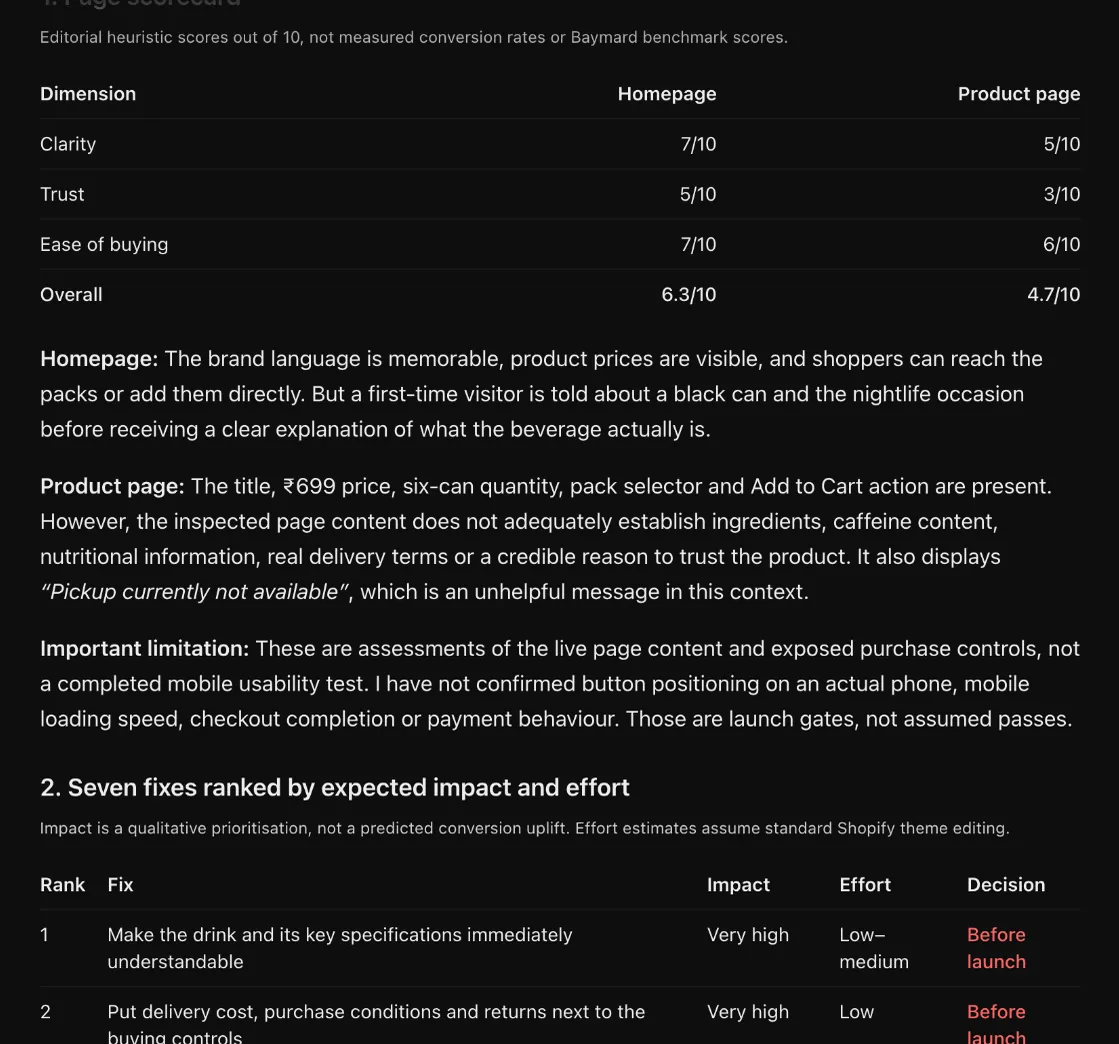
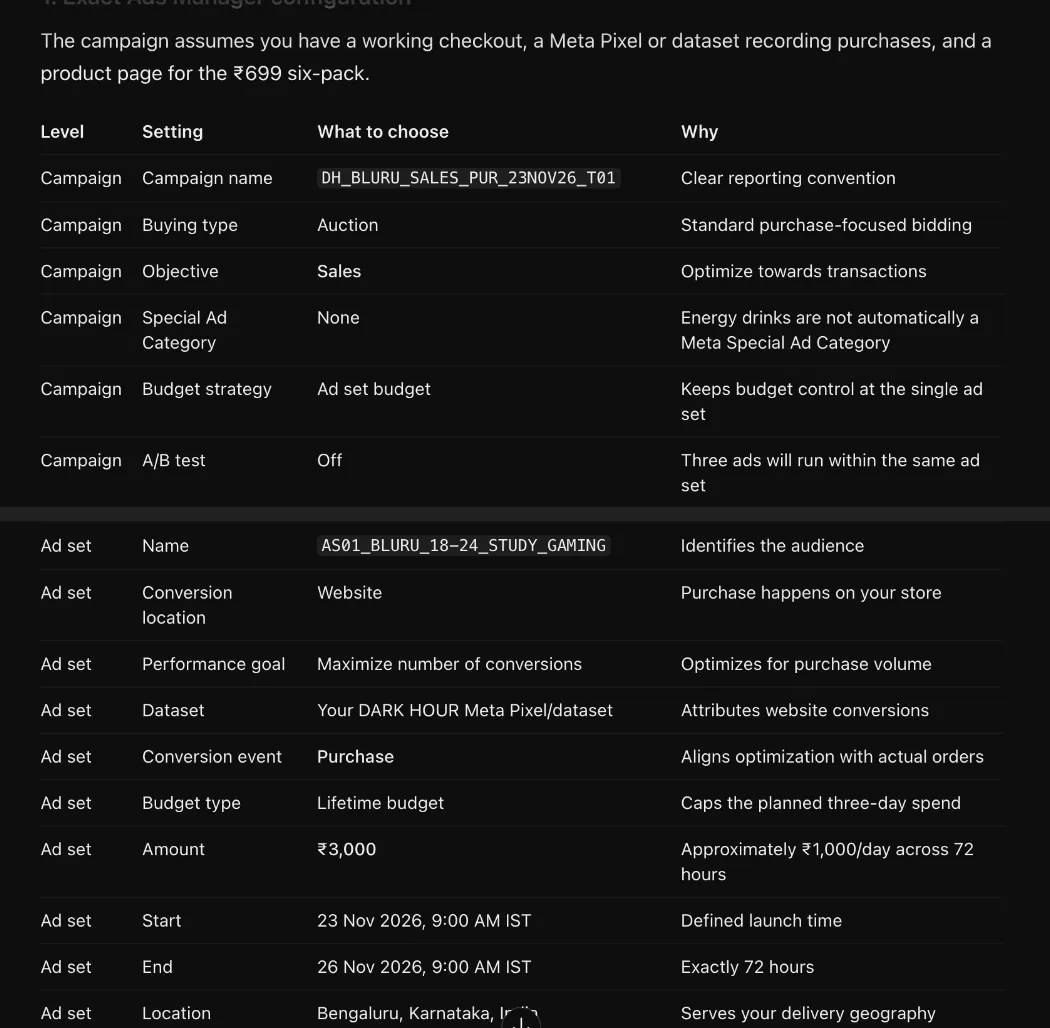
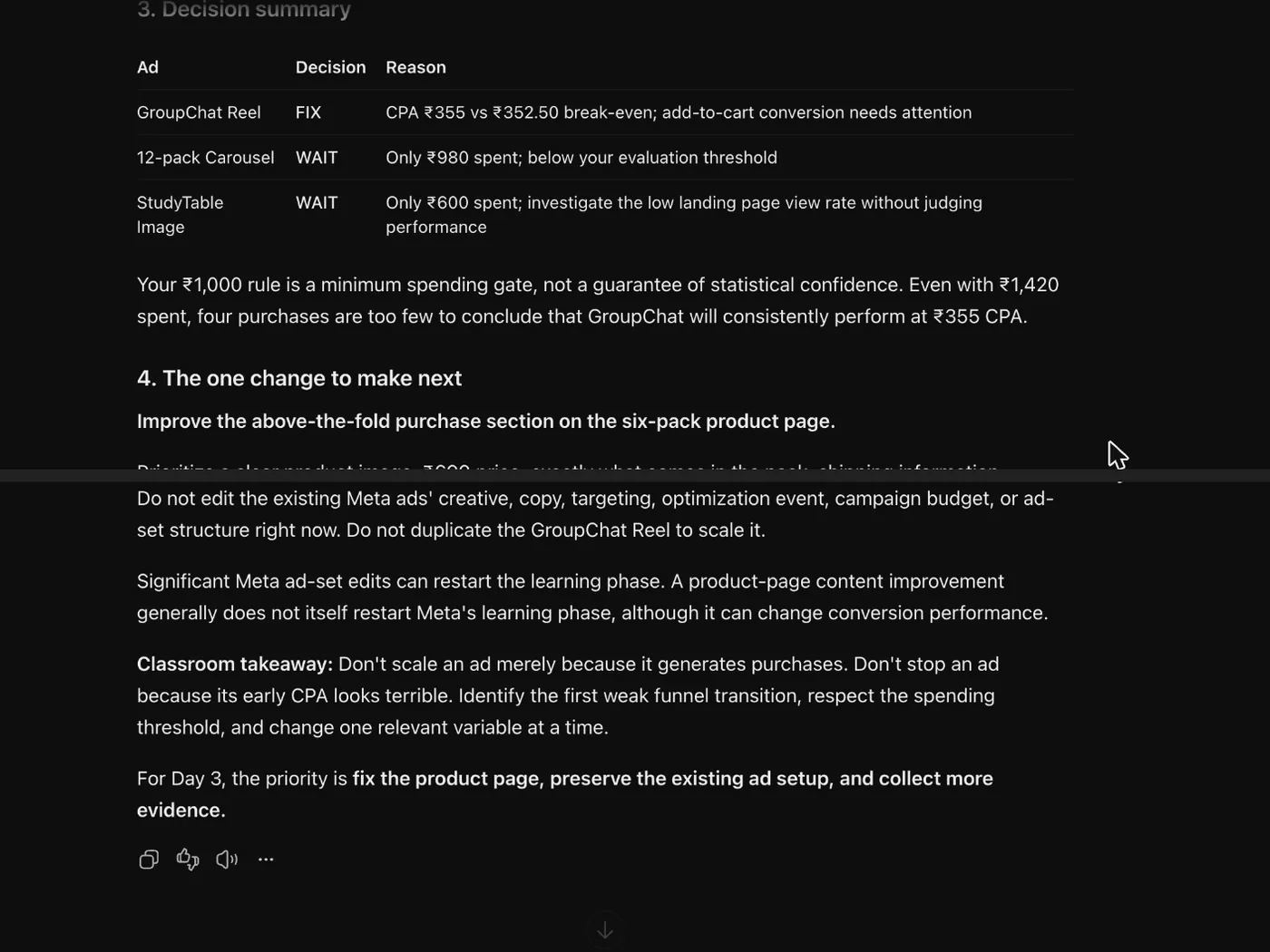
Everything above works with plain ChatGPT and copy-paste. Connectors save time once you know what you are doing. They are optional, and the hands-on steps in the Build Lab always come first.
Shopify plugin for ChatGPT
What it does: Creates products, collections, pages and theme changes in your store from a chat, always in draft until you approve.
Switch it on: ChatGPT: Plugins, search Shopify, Install plugin, Sign in with Shopify, pick your store, Install the app inside Shopify. Then type @Shopify in any chat.
Cost and plan: Free to install. Shopify itself follows Masters' Union's instructions.
Rule: It cannot switch on test mode, rename the store or remove the store password. Those stay manual.
OpenCanva in ChatGPT
What it does: Turns a carousel or single image idea into an editable Canva design you can tweak by hand.
Switch it on: ChatGPT: Plugins, search Canva, connect your Canva account. Ask "@Canva make this a 4:5 Instagram carousel".
Cost and plan: Your normal Canva account. Some templates and features need a paid Canva plan.
Rule: Swap any stock product image for your real product photo before you publish.
OpenApify
What it does: Scrapes Meta Ad Library, Instagram profiles and reels into a spreadsheet, so ChatGPT can analyse hundreds of ads, not ten screenshots.
Switch it on: Easiest: run the Facebook Ad Library Scraper on apify.com and upload the export to ChatGPT. Advanced: add the MCP server https://mcp.apify.com (ChatGPT developer mode, or Claude: Connectors, Apify).
Cost and plan: Free plan includes $5 of usage a month. The ad scraper we used cost $0.75 per 1,000 ads on 22 Nov 2026.
Rule: Set a maximum number of results before every run, so a run never spends more than you planned.
OpenMeta Ads MCP (official, by Meta)
What it does: Lets ChatGPT or Claude read your campaign results and draft campaigns, ad sets and ads inside your own ad account.
Switch it on: Server URL https://mcp.facebook.com/ads. Claude: Settings, Connectors, add a custom connector. ChatGPT: developer mode, OAuth, and a Meta developer app ID as the client ID, as Meta's guide describes.
Cost and plan: Free from Meta. Custom connectors in ChatGPT need developer mode, which OpenAI offers on Plus and Pro. Claude needs a paid plan.
Rule: It can create and change real campaigns. Ask for drafts only, then check every setting in Ads Manager before you publish.
OpenMicrosoft Clarity
What it does: Free heatmaps and screen recordings of real visitors on your store, so you see where people stop scrolling or rage-click.
Switch it on: Install Microsoft Clarity from the Shopify App Store. For AI analysis, Microsoft's Clarity MCP server connects to Claude.
Cost and plan: Free. The MCP server allows 10 data requests per project per day, for up to the last 3 days.
Rule: Watch 10 recordings of visitors who did not buy before you change the store.
OpenComposio
What it does: One connector that links many apps at once (Meta Ads, Google Sheets, Gmail and more) for ChatGPT or Claude.
Switch it on: Create a Composio account, connect the apps you need, then add Composio's connector in ChatGPT or Claude.
Cost and plan: Has a free tier. Check the current limits on composio.dev before relying on it.
Rule: Approve only the apps and permissions this project needs.
Open